A journal app
You write entries in an interface that may organize dates, text and media as separate pieces. Check which of those pieces its export includes, and what can open them.
 MentalDownload for iOS
Digital journaling / a practical export check
You can add a note. Can you take it with you? A fictional entry gives you something concrete to check before you entrust an app with your own history.
Try the sample entry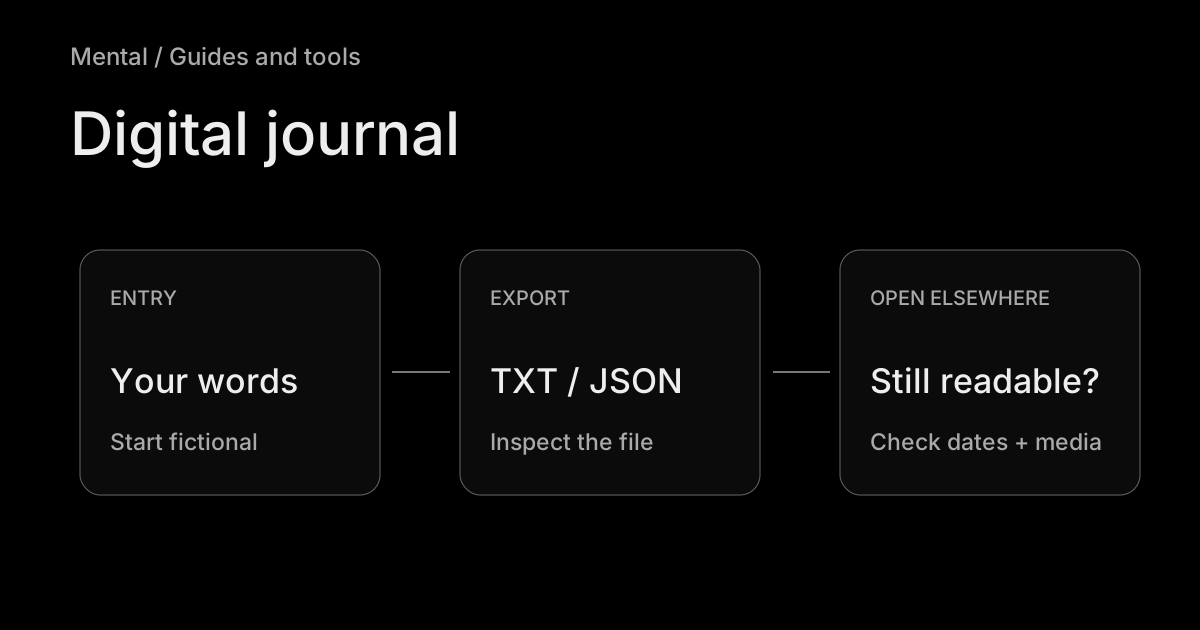
A journal app
You write entries in an interface that may organize dates, text and media as separate pieces. Check which of those pieces its export includes, and what can open them.
A handwritten PDF
You write or draw on pages in a note-taking app. A page can preserve its appearance while the handwriting remains difficult to search, edit or move into a different entry format. Check the exported pages yourself.
A simple text document is another option. The right format depends on how you write and what you want to keep. For the wider choice of devices and features, start with our journal app comparison. This page handles the narrower job of inspecting an export.
Copy this original fictional entry into the app you want to try. Set its entry date to 14 October 2026. If it supports attachments, add any harmless test image and name it yellow-flowers.jpg. The text specimen below contains a media reference, not an attached photograph.
Sample entry — 14 October 2026
I took the road past the closed cinema after work. Someone had put yellow flowers beside the ticket window. I stopped to look before the rain started.
At home I made toast and called Jo. Nothing urgent happened. I want to remember how unhurried the walk felt.
Media reference: yellow-flowers.jpg — fictional attachment; no image included in this text specimen.
Download the fictional text specimen. This is a starting sample, not an export produced by a tested app.
Put in
14 October
Two paragraphs
One test image
Look for outside the app
The entry date
Complete, readable words
A usable media file or reference
A free web tool, separate from the Mental app. Your answers stay in this page’s memory: no account, upload, autosave, or AI processing. Reloading clears them; download your text to keep it. Aggregate site measurement, when enabled at release, does not include these fields.
| Format | Useful for | Still check |
|---|---|---|
| Plain text | Reading words elsewhere | How dates and media are represented. |
| Keeping a visual record | Whether text is selectable; whether you can edit or import what you need. | |
| JSON / archive | Keeping structured fields or a backup | Which viewer or importer can use it, and where media lives. |
A readable copy may be enough for your purpose. If you need to restore it into a journal, that requires a separate import or restore test. The five-check card above records what you have confirmed; it does not rate the product or certify security.
For privacy, investigate the current account, sync, device-lock and online-processing settings separately. Our privacy guide explains those distinctions. An exported file also has its own storage location and access permissions.
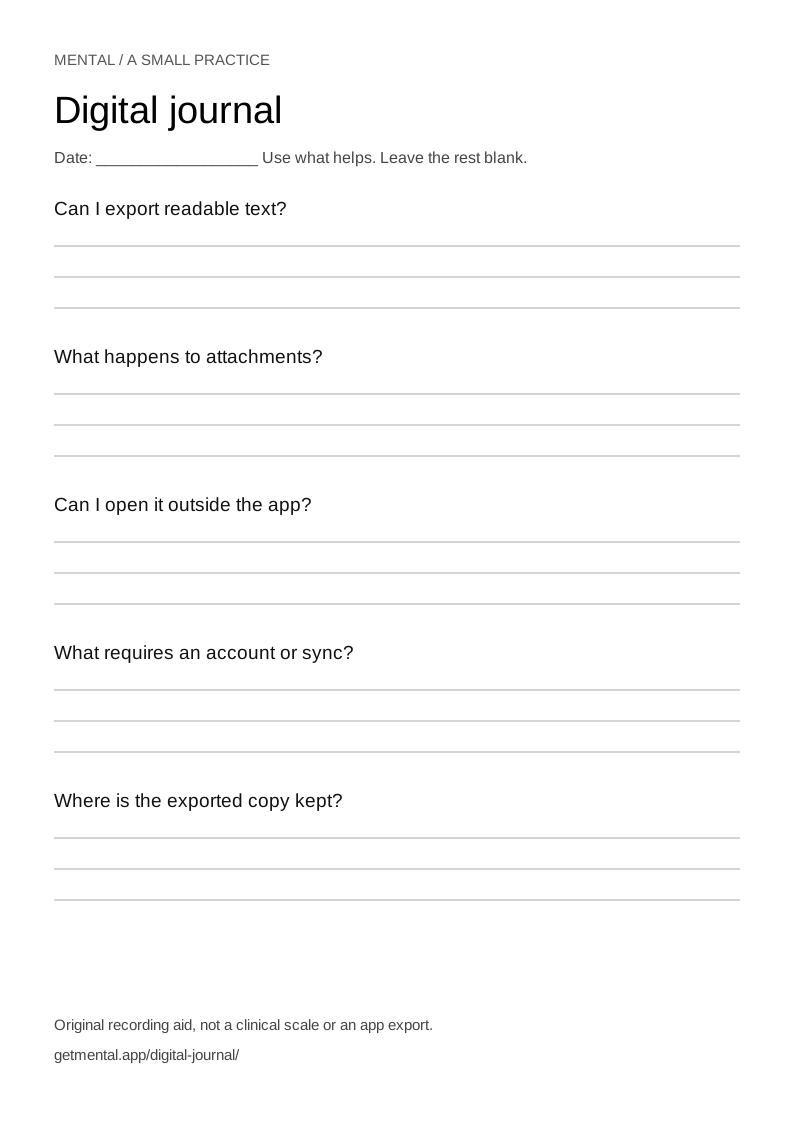
An original one-page worksheet for this practice. Save the SVG, open it in a browser, then print or use your browser’s Save as PDF. It is not an app export.
If you are considering Mental, inspect the current released controls and try a fictional entry there too. An export of entry text does not by itself establish what happens to media or Memory context. Confirm the pieces you care about rather than inferring them from this browser checklist.
Apple Support: back up, export and print Journal entries is an example of product-specific export instructions. Paperlike’s digital journal illustrates the separate PDF category. Features can change; follow the current instructions for your chosen product. This original rehearsal is not a hands-on comparison of those products, a security audit or a guarantee that any export will import elsewhere.